
Practical guides
Set up Pipping on Apple Watch
Use a paired Apple Watch running watchOS 26 or later. Install the Pipping companion through Apple’s supported app installation route.
App instructions and features describe the release candidate. Public App Store release is pending.
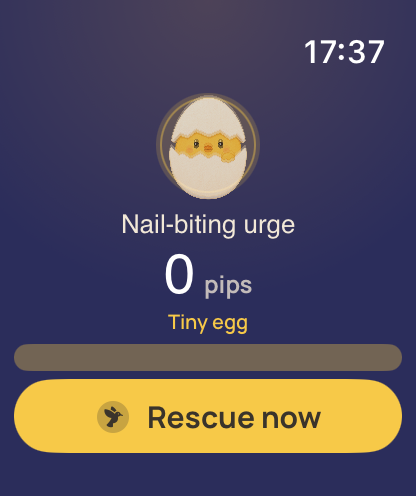
Check the companion installation
- Confirm your paired iPhone has the compatible Pipping app.
- Open the Watch app on iPhone and choose My Watch.
- Look for Pipping among available apps and install it if offered.
- Open Pipping on the Watch.
- Try the supported reset or capture and open the phone app to check the connected record.
If the app is not offered
Check OS versions, the installed phone app, and public App Store availability. Pipping remains prelaunch at this review date.
Use Apple’s current installation guide if the Watch interface differs.
Connection is not cloud sync
Pipping uses Apple’s paired-device connection for supported Watch messages. It does not provide a web account for recovering private entries.
If a message is delayed, check the device connection before removing either app.
Reviewed October 2, 2026. Prepared by Joao Vitor Humenhuk Achutti.
Sources Apple Watch app installation.
App details follow the English 1.0.0 release candidate source. These pages are not a new installed-app walkthrough.