
Practical guides
Log a nail-biting urge in Pipping
Choose “Log a nail-biting urge” on Nest. Record the moment you noticed, with only the context you want to keep.
App instructions and features describe the release candidate. Public App Store release is pending.
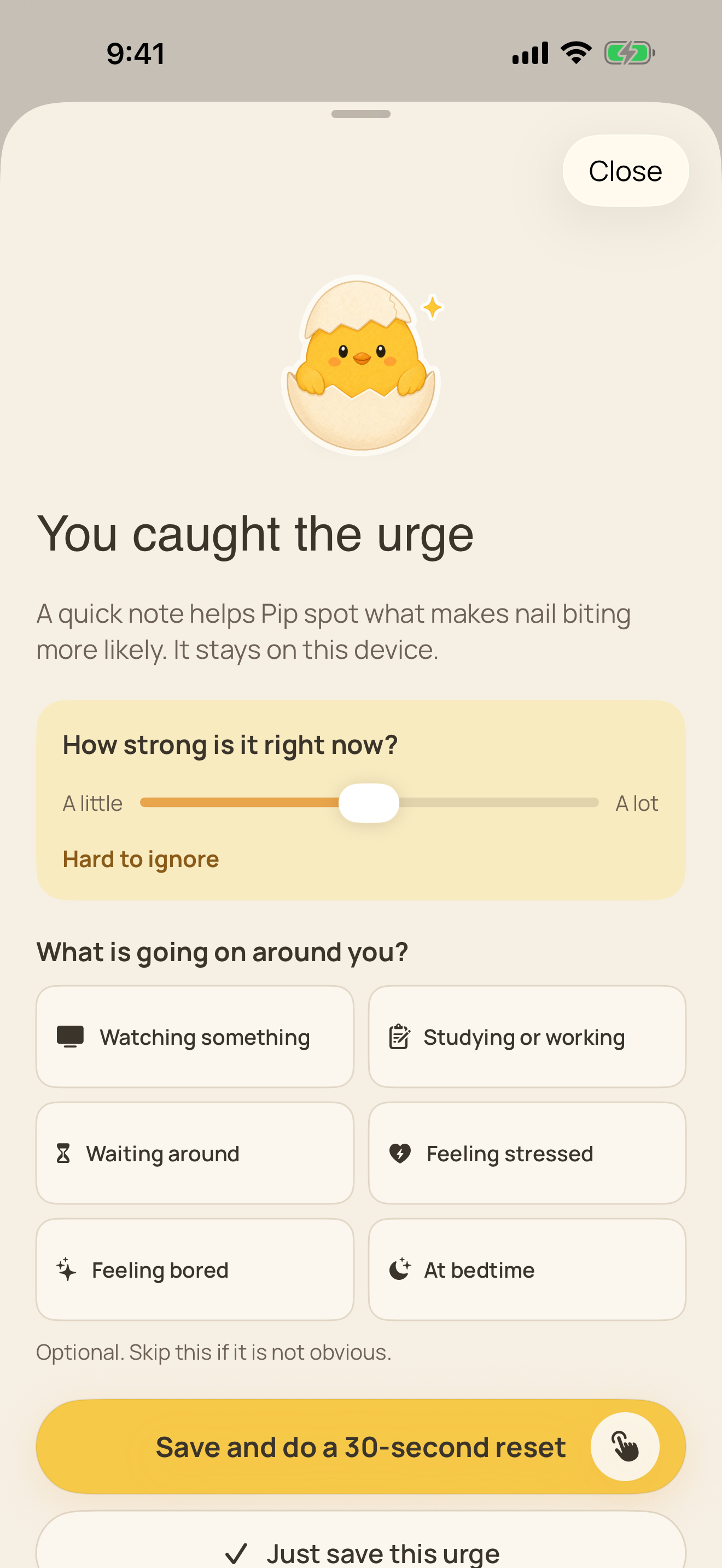
Keep the entry useful and small
- Open Nest and tap “Log a nail-biting urge.”
- Choose the moment that fits your experience.
- Choose the intensity that fits the pull you felt.
- Add optional detail only if it helps you remember the situation.
- Use the screen’s save action and return to Nest.
Check the record without making it a score
A saved urge contributes to your noticed moments. It is separate from a completed pause.
You can log after biting. The record does not require a successful outcome.
If an entry will not save
Read any storage warning before closing the app. The app may be using temporary storage when normal persistence is unavailable.
Free device storage and contact support if the warning persists. Do not delete the app to test this if you need its local records.
Reviewed October 2, 2026. Prepared by Joao Vitor Humenhuk Achutti.
App details follow the English 1.0.0 release candidate source. These pages are not a new installed-app walkthrough.